A closer look at your learning platform
About LearnAppu
Your questions belong in the classroom.
LearnAppu brings AI-guided lessons, visual explanations, practice, and progress into one place for high school and college math and science. Start with what you are studying. Stay with what you do not understand yet.
Why LearnAppu exists
Understanding needs room for another question.
A worked answer can tell you what happened without explaining why. A diagram can show a process without making it clear. And a missed step today can make the next lesson harder.
LearnAppu is built around the space between seeing an answer and understanding it. Our goal is to make it easier to ask again, try a different explanation, practice the idea, and return to it when needed.
Learning support, not a shortcut. Use explanations to develop your own reasoning, compare with your course material, and check important details with your teacher.
One connected learning experience
From your first question to your next step.
Different tools for different moments in your study session.
Classroom & Professor modes
Build the idea before you tackle the problem.
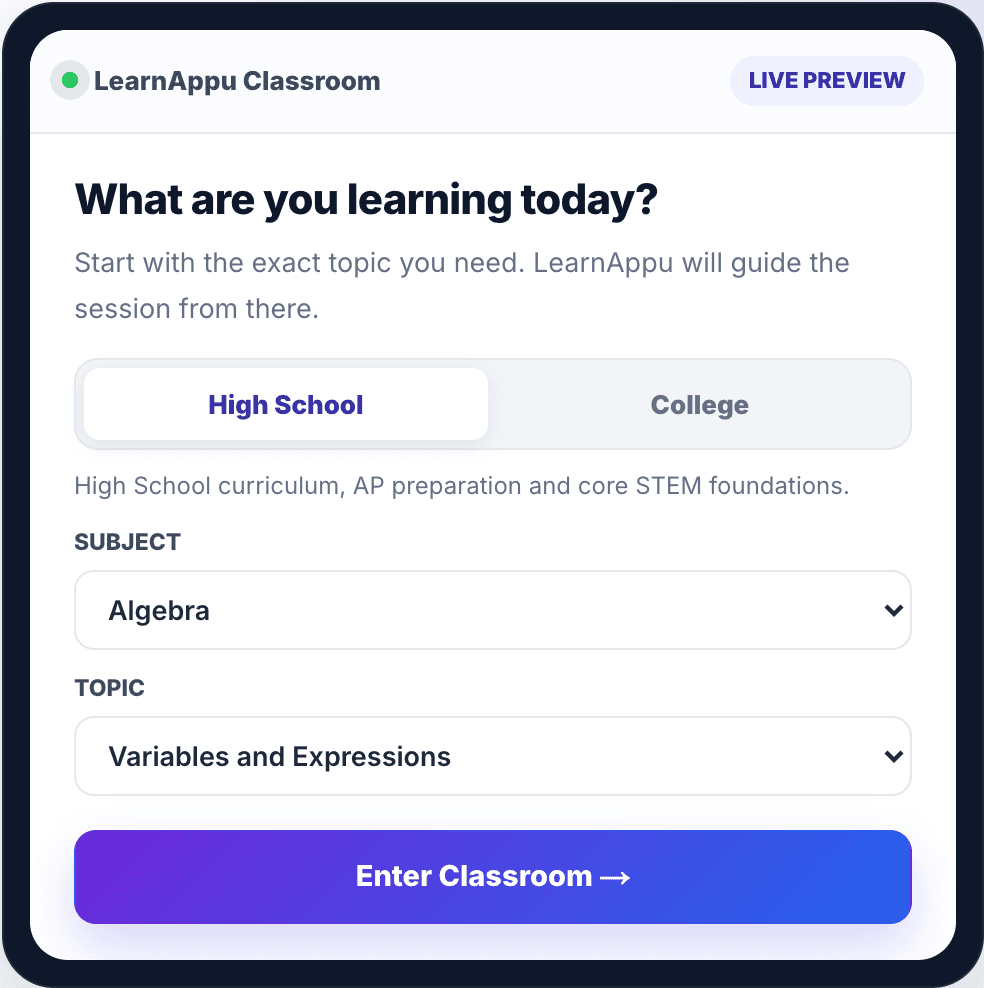
Choose a subject, course, chapter, and lesson. Classroom Mode brings explanations, worked examples, and practice into a guided study session. Professor Mode offers a more detailed treatment when you need to go deeper.
Choose a classroom- Study one topic at a time, in the context of your course.
- Connect an explanation to a worked example.
- Ask follow-up questions when a step is unclear.
Visual Learning Copilot
Give your diagram a conversation.
Bring a textbook diagram, chemical structure, or a photo of your work into the chat. Ask for an explanation, a hint, a solution, or feedback on your attempt. Biology and chemistry questions can use annotated or edited images alongside the explanation.
Open Visual Learning Copilot- Keep the conversation connected to a course, chapter, and lesson.
- Return to saved sessions and their images.
- Explore shared questions and explanations in Community Concepts.
Practice, Doctor Mode & Exam Mode
Make the next attempt more informed.
Use practice to find what you understand and where you need another explanation. Doctor Mode helps examine mistakes and misconceptions. Exam Mode brings timed practice into your preparation.
Explore practice- Work on the steps behind an answer, not just the final result.
- Revisit weak areas with targeted practice.
- Prepare for course exams and supported AP or MCAT topics.
Dashboard & learning analytics
Know what to return to next.
Your dashboard brings your subjects, lesson progress, and recent learning together. Analytics help you reflect on your practice and decide which concepts deserve more time.
View learning progress- Resume learning from your dashboard.
- Review available progress and mastery indicators.
- Use feedback to plan your next study session.
AI responses and edited diagrams can contain mistakes. Verify important details against your course materials. Some features require sign-in or a paid plan.
Choose your starting point
Built around the subjects you study.
Follow your course, strengthen a foundation, or revisit one difficult topic.
Your study routine, on your terms.
Use LearnAppu in your browser or explore the desktop app for Mac and Windows. Check current plans before choosing the access that fits your subjects.
Before you begin
A few useful answers.
More about access, learning modes, and using AI thoughtfully.
Contact LearnAppuWho is LearnAppu for?
LearnAppu focuses on high school and college students studying math and science. Students can use it to review a lesson, work through a difficult problem, or prepare for an exam. Available courses and features vary by subject.
How are Classroom and Visual Learning Copilot different?
Classroom follows a topic-based learning session. Visual Learning Copilot starts from your question or uploaded image and supports follow-up conversation. You can connect that conversation to a course, chapter, and lesson.
Can I use LearnAppu for AP and MCAT preparation?
LearnAppu includes AP and MCAT preparation areas alongside subject-based learning. Use the program pages to explore supported topics, then check Pricing for the features included in your chosen plan.
Is LearnAppu free?
A free preview is available. Usage limits and access depend on your subject and plan. The Pricing page describes the current Free, Pro, and Elite options.
What should I know before uploading work?
Upload only material you are allowed to share, and avoid including names, contact details, or other personal information. Community Concepts can make shared questions, explanations, and images visible to other students. Read the Privacy and Terms pages before contributing.